


Give it your knowledge
Turn the answers you give over the counter into short instructions and a text file.
Give visitors a friendly AI assistant that knows your business, answers their questions and helps them find their way.

Will my laptop fit in this bag?
Absolutely! The Day Tote fits laptops up to 14 inches.
Pick a website and try the kind of question you’d ask if you walked through the door.
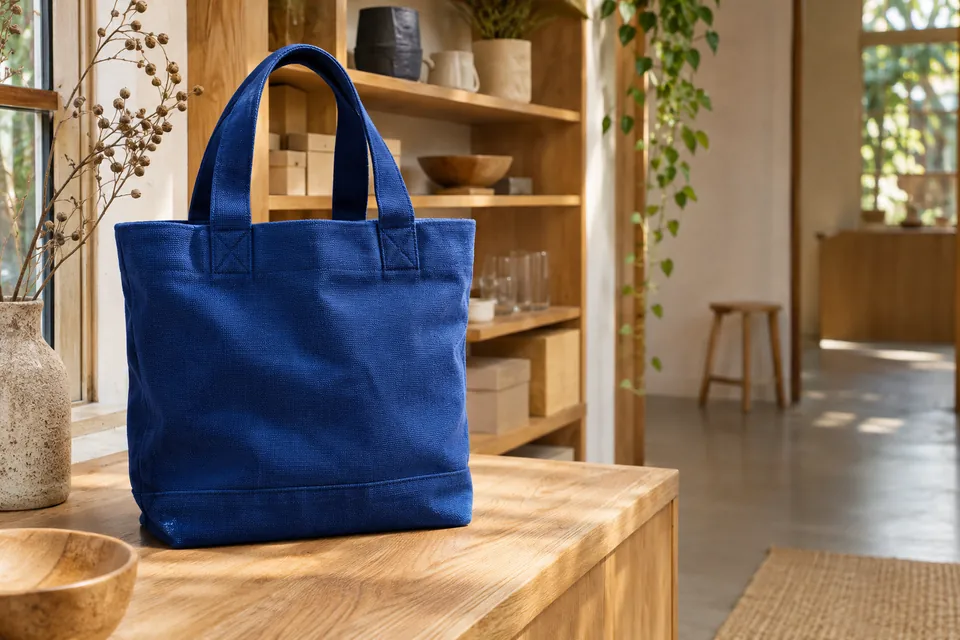
Hi there! Looking for a little help with your next bag?

You already know what your visitors ask. Give your assistant those same details, from opening hours to the right product size.
Explore the widget featuresTurn the answers you give over the counter into short instructions and a text file.
Choose your colors, logo and greeting. Pin FAQs and helpful links to the welcome screen.
Use a floating chat button across your site or embed the conversation on a single page.
In a shop, a measurement helps someone decide. At a studio, a first-time visitor wants to know what happens inside. See how a website assistant can answer each kind of question.
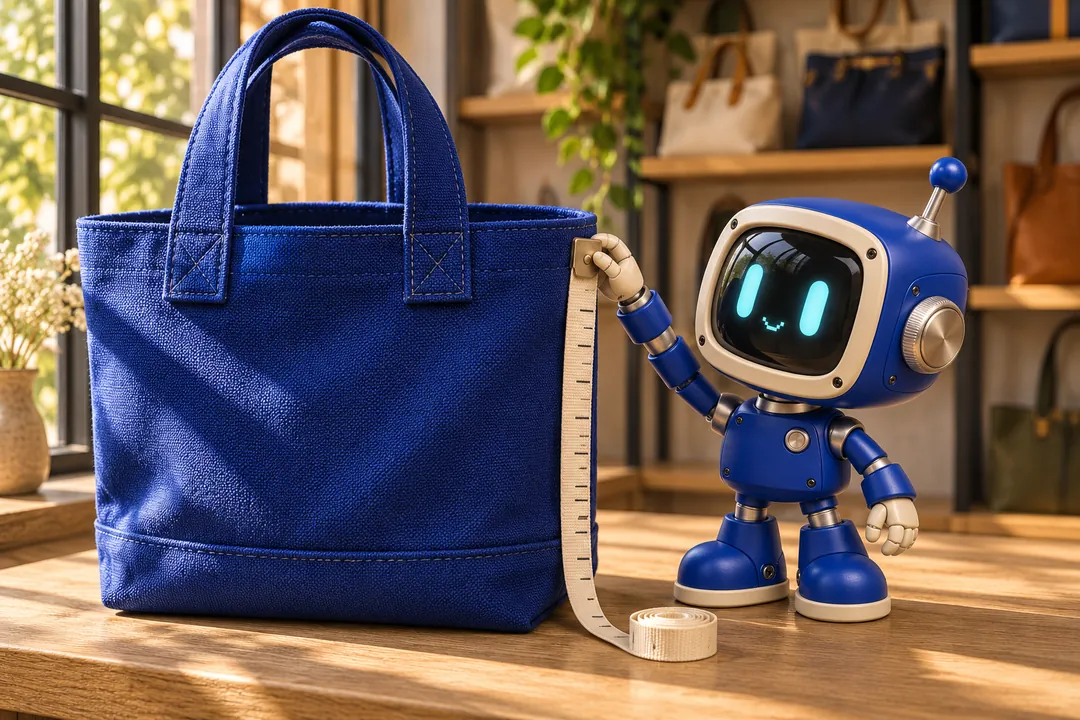
Give the internal dimensions, explain how to compare them and point the shopper to the right size.

Explain what happens in a first class and where to book a place.

Start with the visitor’s words and point to the right step in your help article.
A visitor asking a question shouldn’t mean adding another monthly subscription. That’s why we built Botforger. The widget, the studio and your conversation archive are free.
Connect your own AI provider. Pick a free model or pay your provider directly for the model usage.
See what’s includedTurn opening hours and policies into a short knowledge file. Write and download your first answer card.
Choose a provider and model, find your usage controls and check the connection with a test question.
Help a shopper compare two variations and point them to the product page for current stock and price.
Yes. Your Botforger account, widget and conversation archive are free. You connect your own AI provider. If you choose a paid model, the provider bills you directly for its use.
Write instructions about your business and add one text file up to 1 MB. Put the essentials first, like shipping times, opening hours or booking steps. The assistant uses a short excerpt of your file alongside your instructions.
Use the floating script on a site that allows custom JavaScript or place the inline iframe on a specific page. There are guides for WordPress, WooCommerce, Shopify, Wix, Squarespace, Webflow, Google Tag Manager and custom HTML. Several placements of the same assistant share its knowledge and usage limits.
Botforger answers visitor questions automatically. When a conversation needs a person, Corthex offers live handoff and a shared inbox. From your Botforger workspace you can choose to copy your assistant and its history to Corthex.